Guide the work at the line with a dedicated production workstation: select jobs, work through batches, weigh on connected scales and record the batch as it happens; weighing and batch work carry on through a network drop.
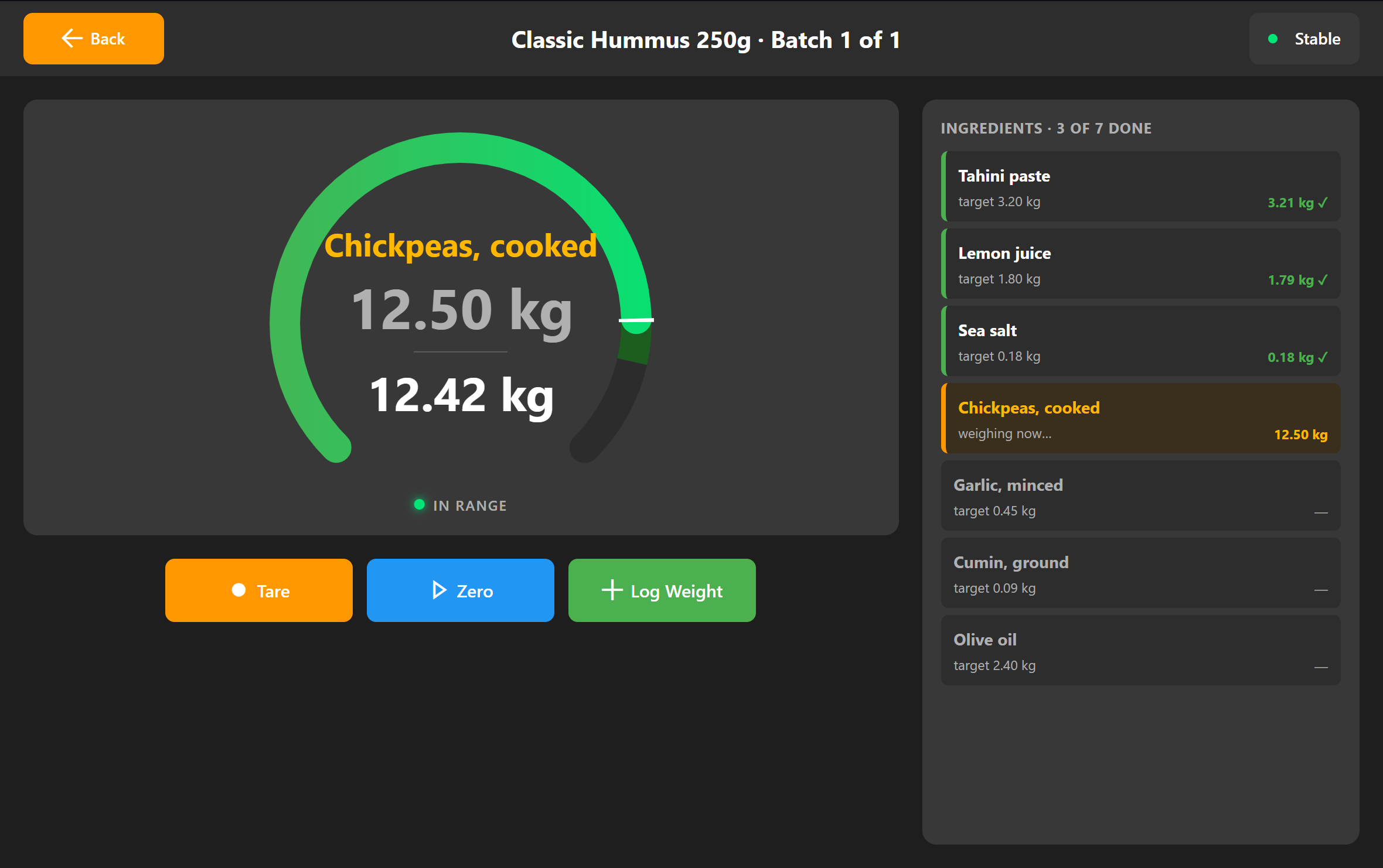
Production Terminal ingredient weighing screen. Existing product screenshot; configuration and appearance may vary.
Start with the right job
Give operators dedicated job and batch screens, with product selection and production details close at hand.
Allergen acknowledgement before a batch starts.
For packing runs, scan the product barcode at batch start to confirm the right packaging is on the line, or get a supervisor override.
A process-step rail: start and finish each step, enter readings and report deviations, with a warning when equipment is out of service or out of calibration.
Supervisor-PIN rules, such as a minimum step duration, apply when the plant switches them on.
Ad-hoc trial batches, waste recording, and abort with manager approval.
Capture weight at the source
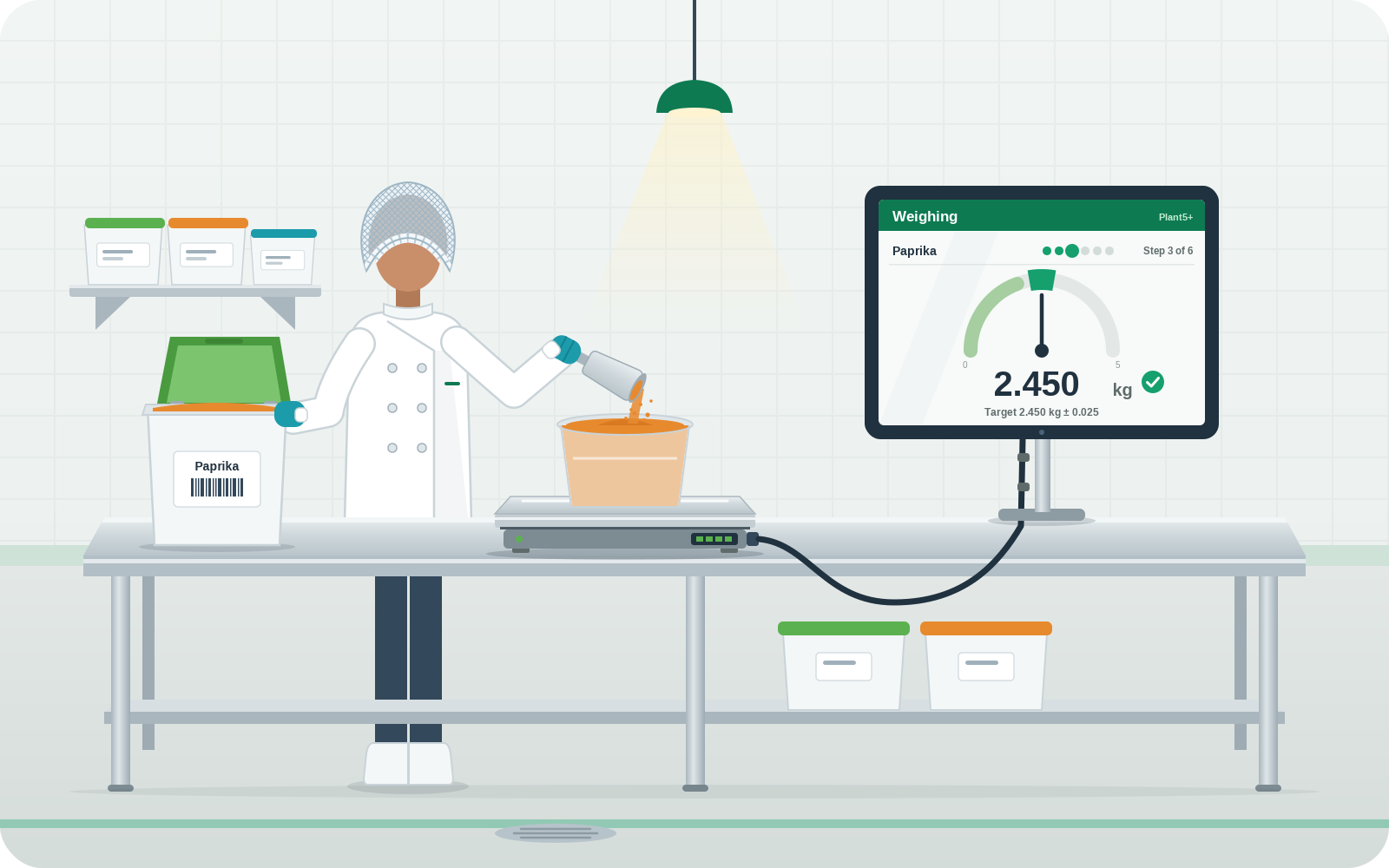
Weigh on a connected serial scale and see each ingredient against its target as you go.
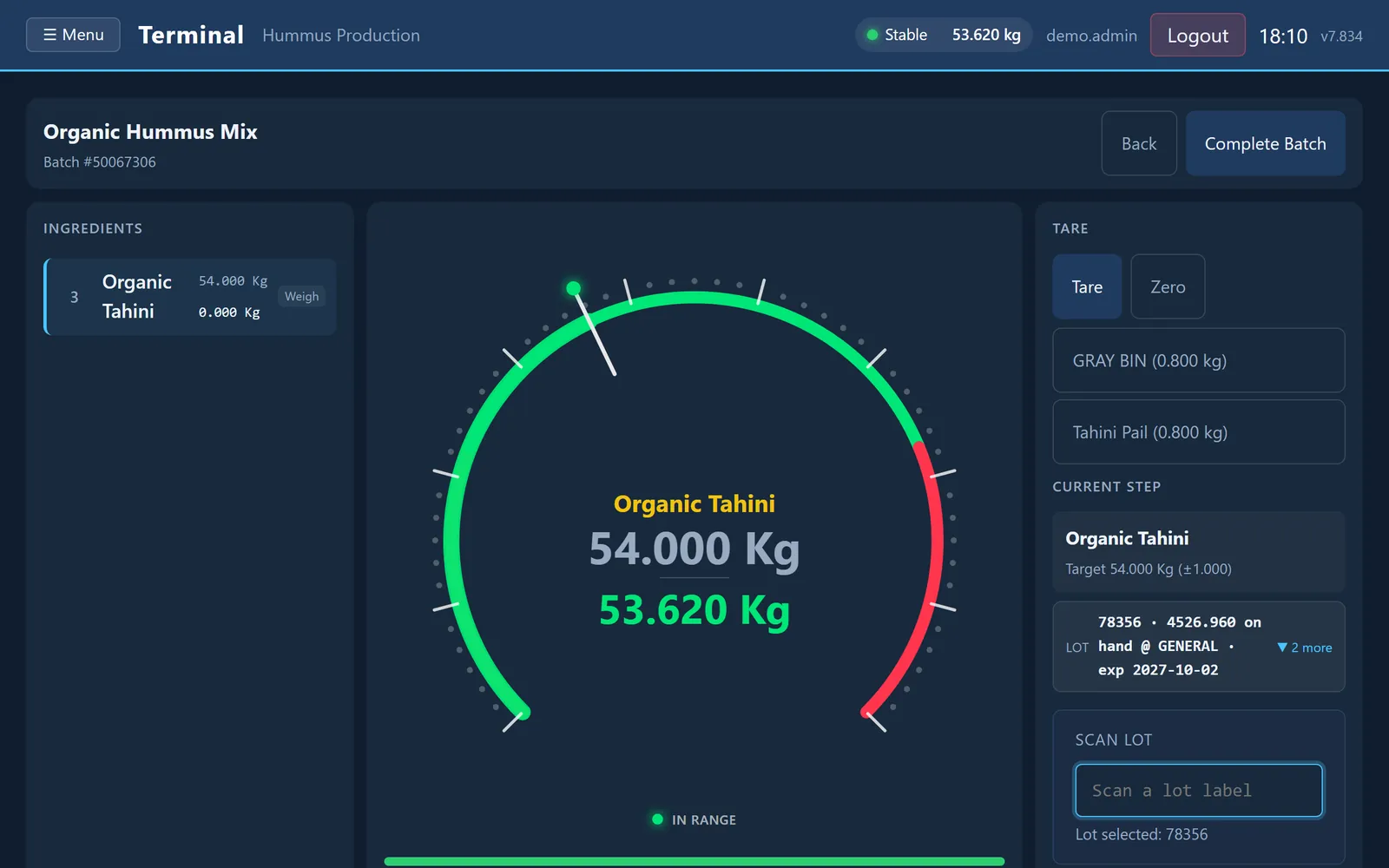
A live under, in and over tolerance gauge, with tare presets for common containers.
An over-weight reading needs a supervisor to accept it.
Lots are listed first-expiring first; a held lot is refused when it is consumed, and an expired lot needs a supervisor’s approval.
Catch weight, when switched on: weigh each case, and the finished pallet if you choose. Every weight records whether it came from the scale or was typed, and a typed weight can require a supervisor PIN.
GS1 case labels carrying the case GTIN, the net weight for variable-measure cases, and the expiry, printed on demand, or automatically when the plant sets case labels to auto-print.
Record the work as it happens
Capture production quantities and complete QA forms at the workstation, keeping execution connected to the wider plant workflow.
Scheduled in-batch checks, such as a metal-detector check every two hours, prompted while the batch runs.
An electronic batch record signed with the operator’s own PIN, re-checked by Control Center.
Cleardown requests sent to the warehouse.
Weighing and batch work keep going when the network drops: work is queued locally and synced when the connection returns, with a supervisor screen for anything that could not sync. E-signatures and supervisor-PIN overrides need the connection; a batch closed offline can be signed later from Control Center.
One wrong scoop and the whole batch is off
The same target-and-band check, shown in the browser version of the terminal that runs inside Control Center, on a floor tablet.
Target 54 kg ±1 kg, the scanned lot beside the gauge, In range. Demonstration data; the scale was simulated.44-second clip, no audio: the batch on screen, the allergen acknowledgement, a scanned ingredient lot, the tolerance band (an over-maximum weight needs a supervisor PIN), the completed batch and its electronic batch record. Demonstration data; the scale was simulated.A weigh station: the scale feeds the touchscreen terminal, which checks each weight against the recipe target. Illustration; your hardware may differ.
How the products work together
Control CenterPlan jobs and manage operational records.
WMSReceive materials and maintain stock records.
TerminalExecute production and capture floor activity.
PickingPick, palletize and ship orders by scan.
QB SyncSend supported accounting transactions to QuickBooks.
Quality, traceability and reporting support the operational workflow in Control Center.
See your workflow in a demo
Bring a real process. See how it fits.
For production lines and batch operators who need focused screens at a Windows touchscreen workstation.
Open a production job, work through an ingredient weighing step, review tolerance handling and record the finished quantity.
Scale connections, printers and the workstation setup should be checked against your equipment during the demo. A browser version of the terminal also runs inside Control Center, with nothing to install.