Plant5+
WMS · For receiving & warehouse teams

Know what arrived. Know where it belongs.

Give warehouse teams a dedicated workstation for receiving, inventory, pallets and cycle counts. Capture lot details when stock enters the plant and keep warehouse records useful to production.

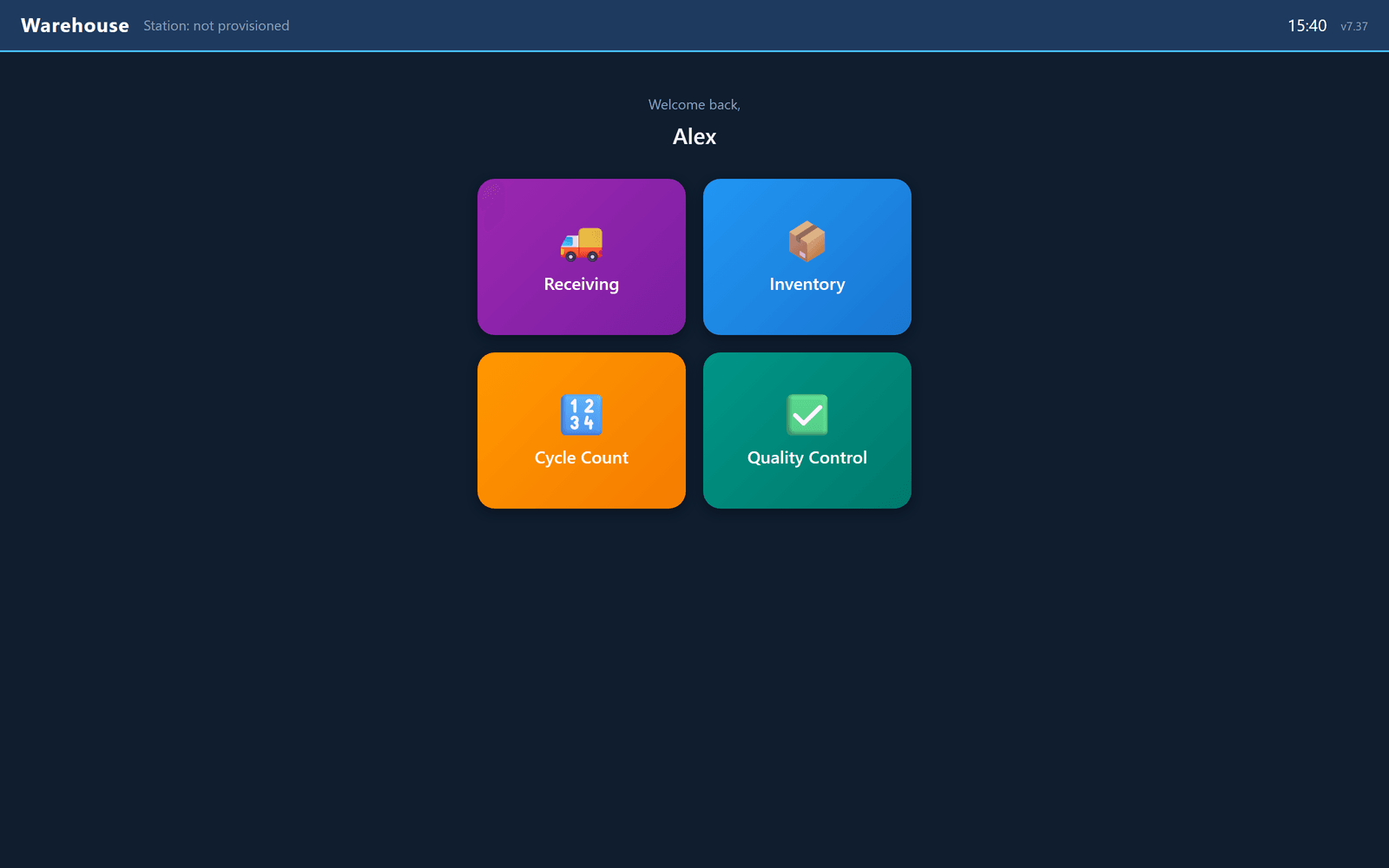
Plant5+ warehouse application home screen
Plant5+ warehouse application home screen. Existing product screenshot; configuration and appearance may vary.

Receive against purchase orders

Record received quantities, lot details and expiry information through a focused receiving workflow.

  • Receive with a barcode scanner. GS1 barcodes are read directly, including GS1 weight labels on catch-weight cases.
  • Scan delivery paperwork on a document scanner or photograph it, and keep it with the purchase order.
  • With the optional AI Assist add-on, a scanned receiving slip pre-fills the receive lines. Each pre-filled value stays marked until someone confirms or edits it.
  • Edit or undo a receipt, and close the purchase order when it is done.
  • Catch weight, when switched on: record the net weight of each case at receiving, and of the pallet if you choose.
  • Lot attributes such as grade, kill date and establishment number captured at receipt, when the plant has them switched on.
Keep stock identifiable

Look up inventory and item information and print receiving labels with the configured printer.

  • Bins, bin-to-bin transfers, and adjustments with a reference note.
  • Receiving labels with a GS1 DataMatrix barcode that resolves to the lot wherever it is scanned in Plant5+.
  • Pallet lookup by sales order, so the dock can confirm what was built before the truck is loaded.

Support stock accuracy

Use cycle counts and inventory views to help teams investigate differences and keep stock records current.

  • Scheduled and ad-hoc cycle counts, with recounts.
  • Cleardown approvals and QA forms at the warehouse station.
  • Maintenance work orders with photos, handled from the same station.
  • Receiving, delivery paperwork, purchase-order close and cycle counts keep working when the network drops and sync when it returns; transfers, adjustments and QA form submission need the connection.
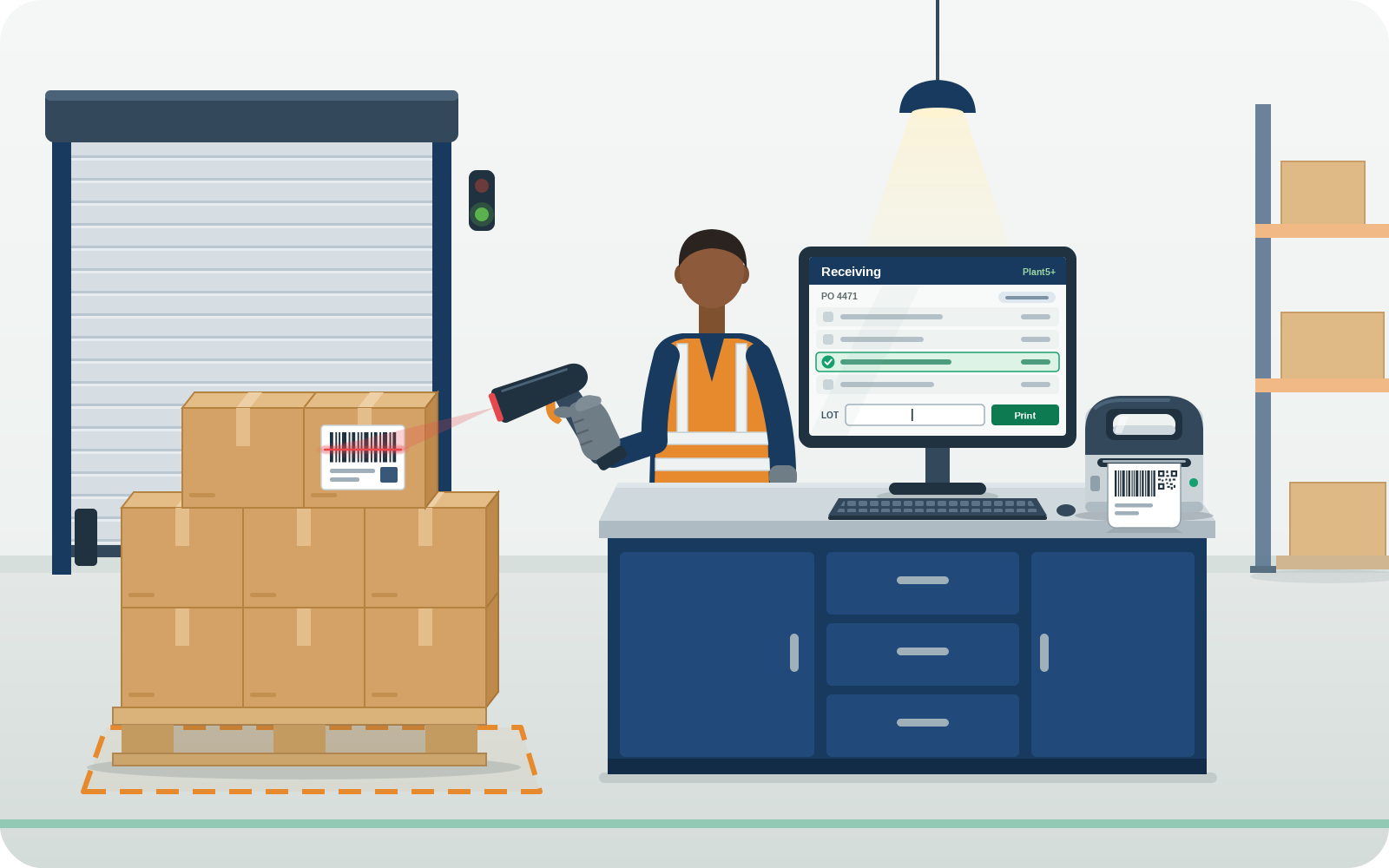
Receiving station: a PC showing a receiving screen, a label printer and a handheld barcode scanner at a loading dock
A typical receiving station: a Windows PC, a barcode scanner and a label printer. Illustration; your hardware may differ.

How the products work together

  1. Control Center Plan jobs and manage operational records.
  2. WMS Receive materials and maintain stock records.
  3. Terminal Execute production and capture floor activity.
  4. Picking Pick, palletize and ship orders by scan.
  5. QB Sync Send supported accounting transactions to QuickBooks.

Quality, traceability and reporting support the operational workflow in Control Center.

See your workflow in a demo

Bring a real process. See how it fits.

For receiving staff, inventory controllers and warehouse operators working at Windows workstations.

Receive a purchase-order line, capture its lot and expiry, print a label, find the stock and walk through a cycle count.

The dedicated WMS application is a Windows product. Touch versions of the receiving, inventory lookup and cycle-count screens also run inside Control Center. For picking and shipping on handheld scanners, see Picking.

Opens your email app with a short demo brief. You can also email sales@plant5plus.com.

Explore the rest of the suite

CC · For managers, planners & quality teams

Control Center

See the plant. Plan the work. Follow through.

Explore Control Center →
Picking · For pickers & shipping teams

Picking

Pick the right lot. Ship the right weight.

Explore Picking →
QB Sync · For finance & operations

QuickBooks Sync

Run operations in Plant5+. Keep your books in QuickBooks.

Explore QuickBooks Sync →